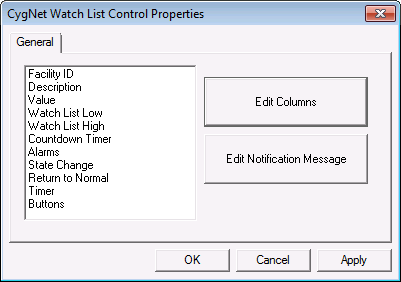
WatchList columns are configured in the OCX Properties dialog box. A column can be configured to show WatchList specific attributes or any point configuration property, CVS record property, or facility attribute. The notification message can be static text, dynamic text, or a combination. Dynamic text strings are built using tokens. For more information regarding tokens, see Using Text Tokens.
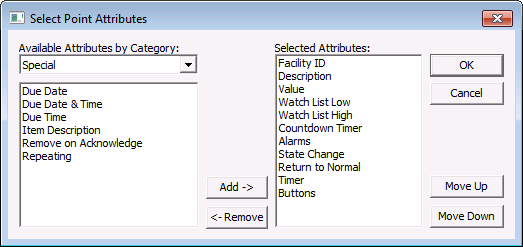
The WatchList specific attributes are contained in the "Special" attribute category. This category contains items such as the WatchList limits and timer value. The attribute named Buttons requires scripting. When a user clicks the Buttons cell in Run mode (the text in the cell is defined on the ActiveX page in the property sheet), an event named EventRowButtonClicked is fired.
To Add or Remove WatchList Columns
|
|
|

